
Download DigiSigner – digital signature, PDF signing, mobile signing, secure document, easy signature, signature tool
Overview
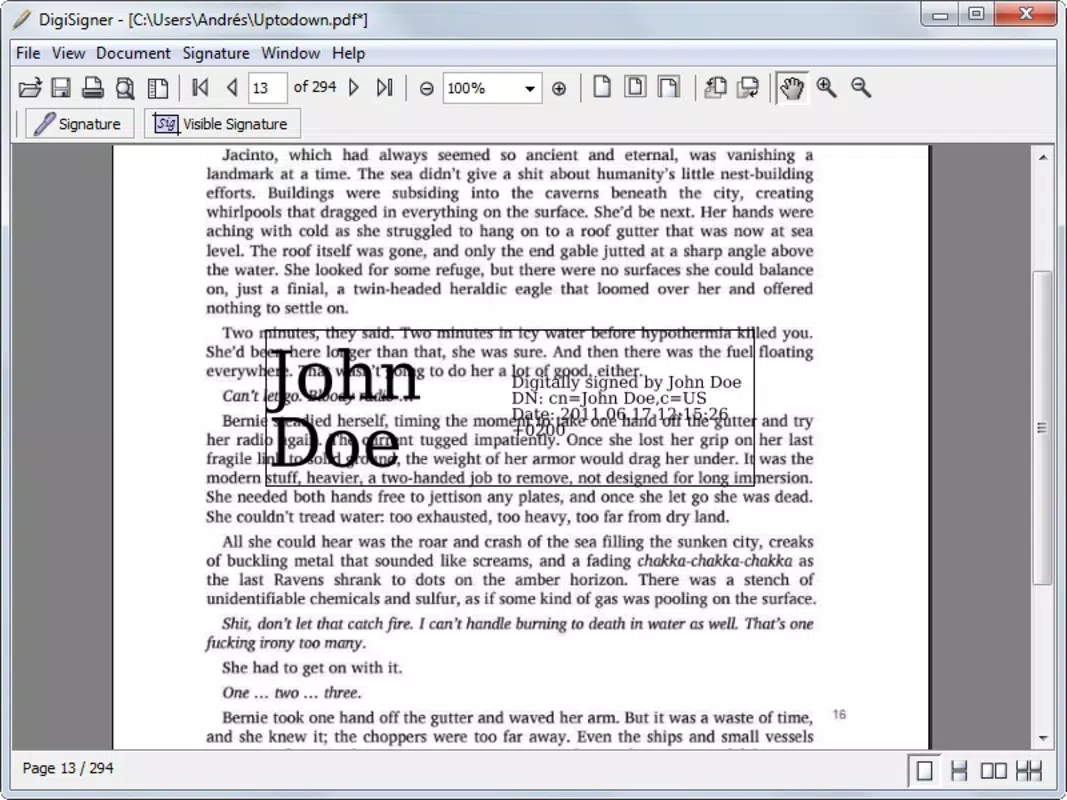
DigiSigner is a mobile application designed to simplify the process of adding digital signatures to PDF documents directly from a smartphone or tablet. The app addresses a common need in both personal and professional environments: the ability to sign documents quickly and securely without requiring a computer. It is particularly useful for individuals who frequently handle contracts, forms, or official paperwork on the go. By enabling users to select a specific page within a PDF and apply a signature with minimal effort, DigiSigner enhances workflow efficiency and reduces delays in document processing.
The target audience includes freelancers, remote workers, small business owners, and anyone managing digital paperwork regularly. The app’s straightforward design ensures accessibility for users of all technical skill levels. Although the developer, DigiSigner Inc., has not provided extensive background details, the app’s longevity—first released in 2012—suggests a stable presence in the productivity space. Over the years, it has maintained relevance by focusing on a core, high-demand function: secure and simple PDF signing.
Real-world use cases include signing rental agreements, employment forms, invoices, and legal documents from a mobile device. The ability to save and share signed PDFs confidently supports transparency and accountability in digital transactions. In the broader app ecosystem, DigiSigner fills a niche for lightweight, focused tools that deliver reliable performance without unnecessary complexity.
Key Features & Functionality
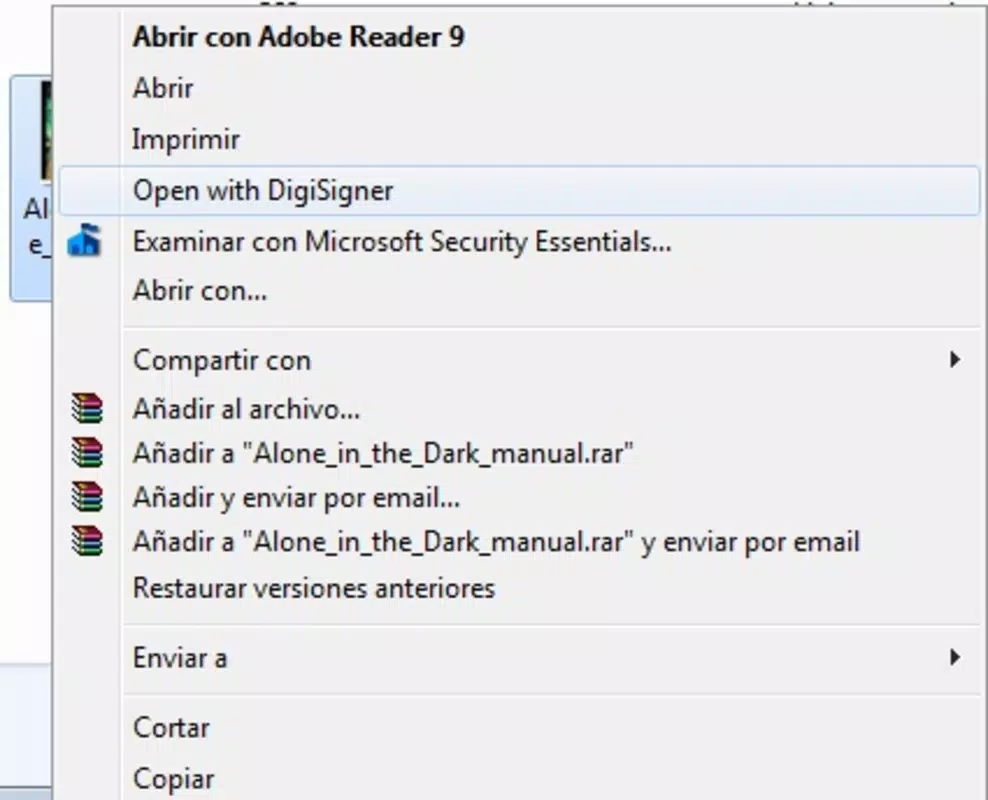
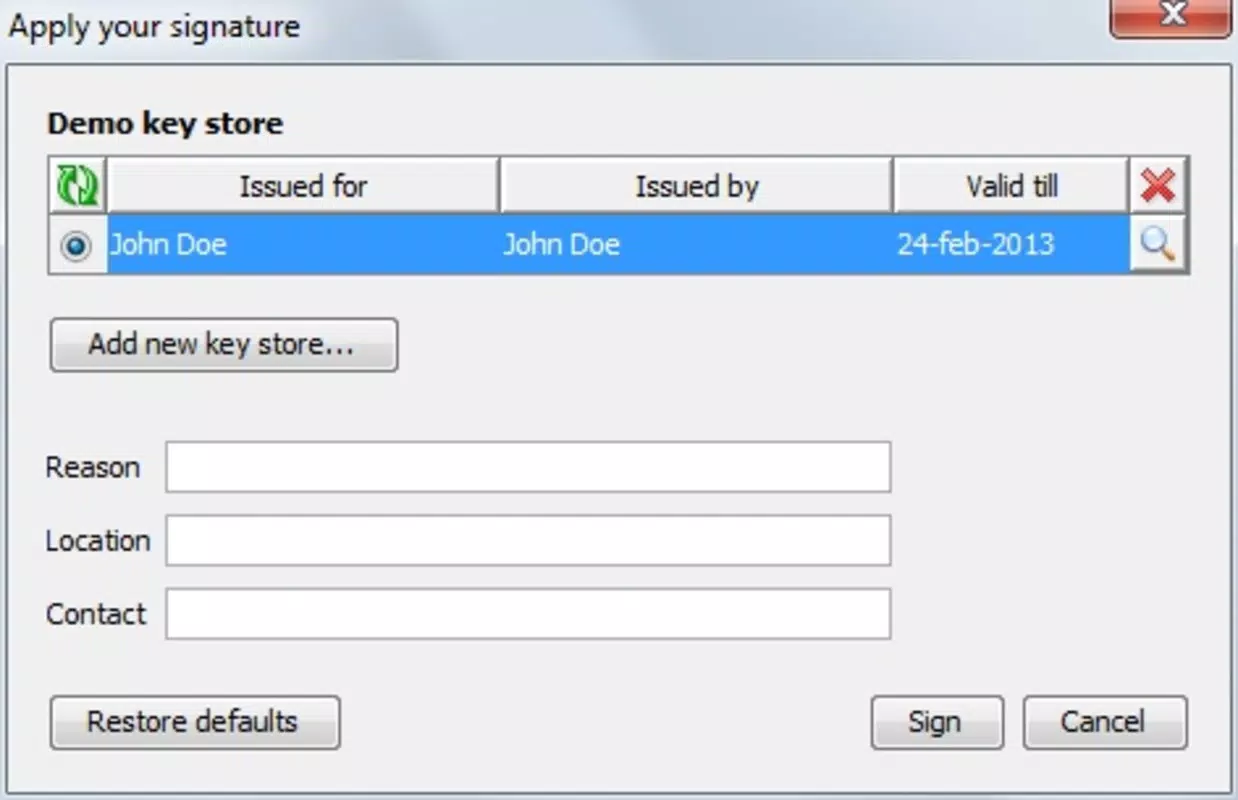
- Easy Signature Addition: Users can add a signature to any specified page within a PDF document through a simple, step-by-step process. The interface guides users through selecting the file, choosing the page, and applying the signature, minimizing user error.
- Preset Name for Free Users: The free version offers a selection of predefined names, allowing users to quickly generate a recognizable signature without manual input. This limitation ensures basic functionality remains accessible while encouraging upgrades for customization.
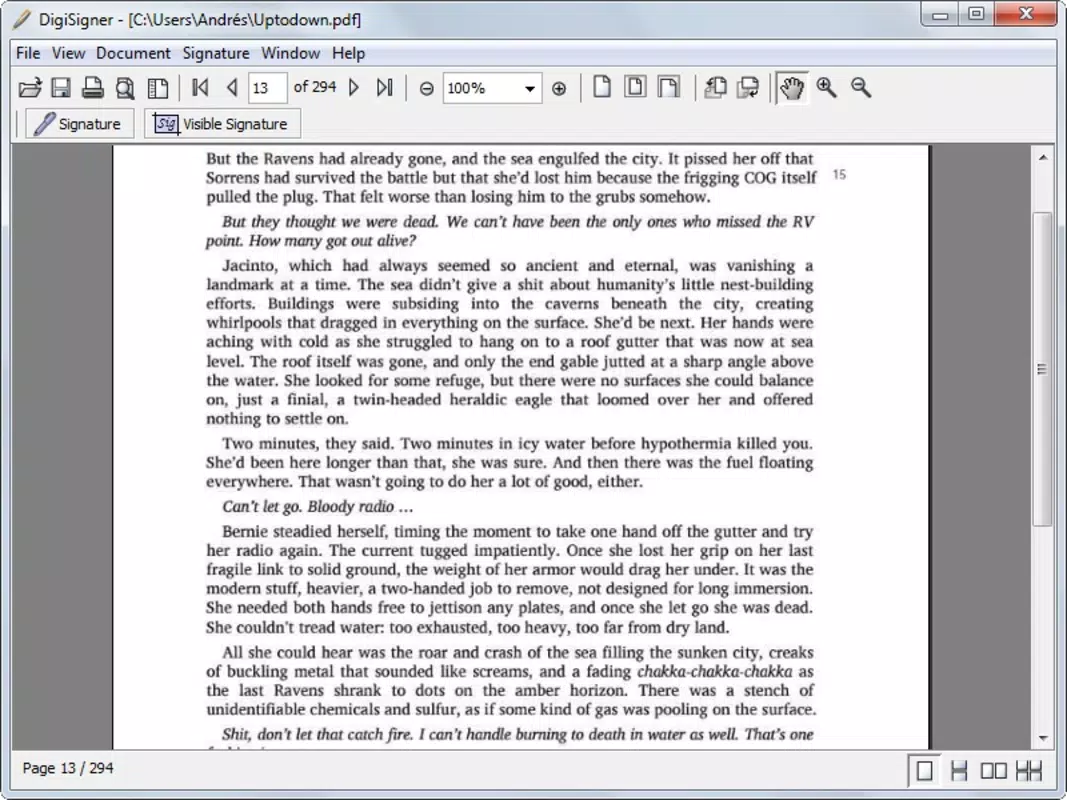
- Document Security: Once a document is signed, DigiSigner ensures the integrity of the file is preserved. The signed version is saved securely, maintaining the original content while embedding the signature to verify authorship.
- Workflow Efficiency: Designed with frequent PDF users in mind, the app streamlines the signing process, reducing the time required to complete document tasks. This is especially beneficial for professionals managing high volumes of paperwork.
- User-Friendly Interface: The layout is intuitive, with clear navigation and minimal onboarding steps. Users can begin signing documents within seconds, making it ideal for quick, on-the-go tasks.
For example, a freelancer can sign a client contract while traveling, or a small business owner can approve an invoice during a commute. The app’s focus on usability and speed makes it a practical tool for real-time document handling, supporting modern, mobile-first workstyles.
Interface, UX & Performance
The user interface of DigiSigner is clean and minimal, emphasizing functionality over decorative elements. Navigation is linear and predictable: users open the app, select a PDF, choose a page, apply the signature, and save or share the file. The layout is optimized for touch input, with clearly labeled buttons and intuitive gestures.
Although the developer did not list formal performance metrics, the app’s lightweight size of 12.5 MB suggests efficient resource usage. It is likely to run smoothly on a range of Android devices, from mid-tier to high-end models. Responsiveness appears consistent, with minimal lag during file loading and signature placement. Stability is maintained through a focused feature set, reducing the risk of crashes or bugs.
Users can expect consistent performance when handling standard PDFs, though very large or complex files may require additional processing time. The app does not display ads or in-app purchases during the signing process, preserving a distraction-free experience. Overall, the UX is designed to minimize friction, allowing users to complete tasks with few interruptions.
Platform Compatibility & Technical Requirements
DigiSigner is available exclusively on the Android platform. The current version is 1.2.0, with a file size of 12.5 MB, indicating a lightweight installation that does not strain device storage. The app is free to download and use, with no in-app purchases or subscription fees mentioned in the provided data.
The developer did not specify minimum OS requirements or compatibility details beyond the platform. As such, users should verify whether the app supports their device’s Android version. However, given its release date in 2012 and continued availability, it is likely compatible with Android 5.0 and later versions, though this is not confirmed. Users are advised to check their device settings for compatibility before installation.
Pros and Cons
Pros
- Simple, intuitive interface ideal for non-technical users
- Quick and efficient PDF signing process
- Secure handling and storage of signed documents
- Free to download and use with no hidden costs
- Lightweight app size, suitable for devices with limited storage
Cons
- Free version limits users to preset names, reducing personalization
- Platform restricted to Android; no iOS availability
- Developer did not provide detailed system requirements
- Limited feature set compared to full desktop PDF editors
- No mention of cloud integration or backup options
FAQ
Is DigiSigner safe to use for signing sensitive documents?
Yes, DigiSigner ensures that signed documents are saved securely, preserving the integrity of the file and the authorship of the signature. The app does not transmit documents to external servers unless explicitly enabled by the user.
Can I sign a PDF on any page using DigiSigner?
Yes, the app allows users to select a specific page within a PDF document for signature placement, providing flexibility in where the signature is applied.
Is DigiSigner available for iOS devices?
Based on the provided information, DigiSigner is currently available only for Android. No iOS version was listed in the app details.
Does DigiSigner support signing multiple documents at once?
The provided data does not specify batch signing functionality. The app appears designed for single-document processing.
How often is DigiSigner updated?
The app was last released on November 15, 2012. The developer did not provide information on current update frequency or future development plans.
Final Thoughts
DigiSigner stands out as a reliable, no-frills tool for anyone needing to sign PDFs on the go. Its focus on simplicity, security, and efficiency makes it a valuable asset for professionals and individuals alike. While the free version has limitations, such as preset name options and a lack of advanced features, it delivers core functionality without compromise. The app’s lightweight design and consistent performance further enhance its appeal.
For users who prioritize speed and ease of use over customization, DigiSigner offers a practical solution in the mobile productivity space. Its long-standing presence in the Android ecosystem speaks to its reliability and user satisfaction. Whether signing a contract, approving a form, or verifying a document, DigiSigner ensures confidence in every signature.
Download DigiSigner now


